Getting Started
This guide will walk you through the process of setting up and using the Burgonet Gateway.
Installation
- Download: Download the appropriate binary for your operating system from the releases page.
- Configuration: Download the default configuration file conf.yml
- Run: Execute the binary using the following command, replacing
<path/to/conf.yml>with the actual path to your configuration file:
./burgonet-gw -c <path/to/conf.yml>
Accessing the Web UI
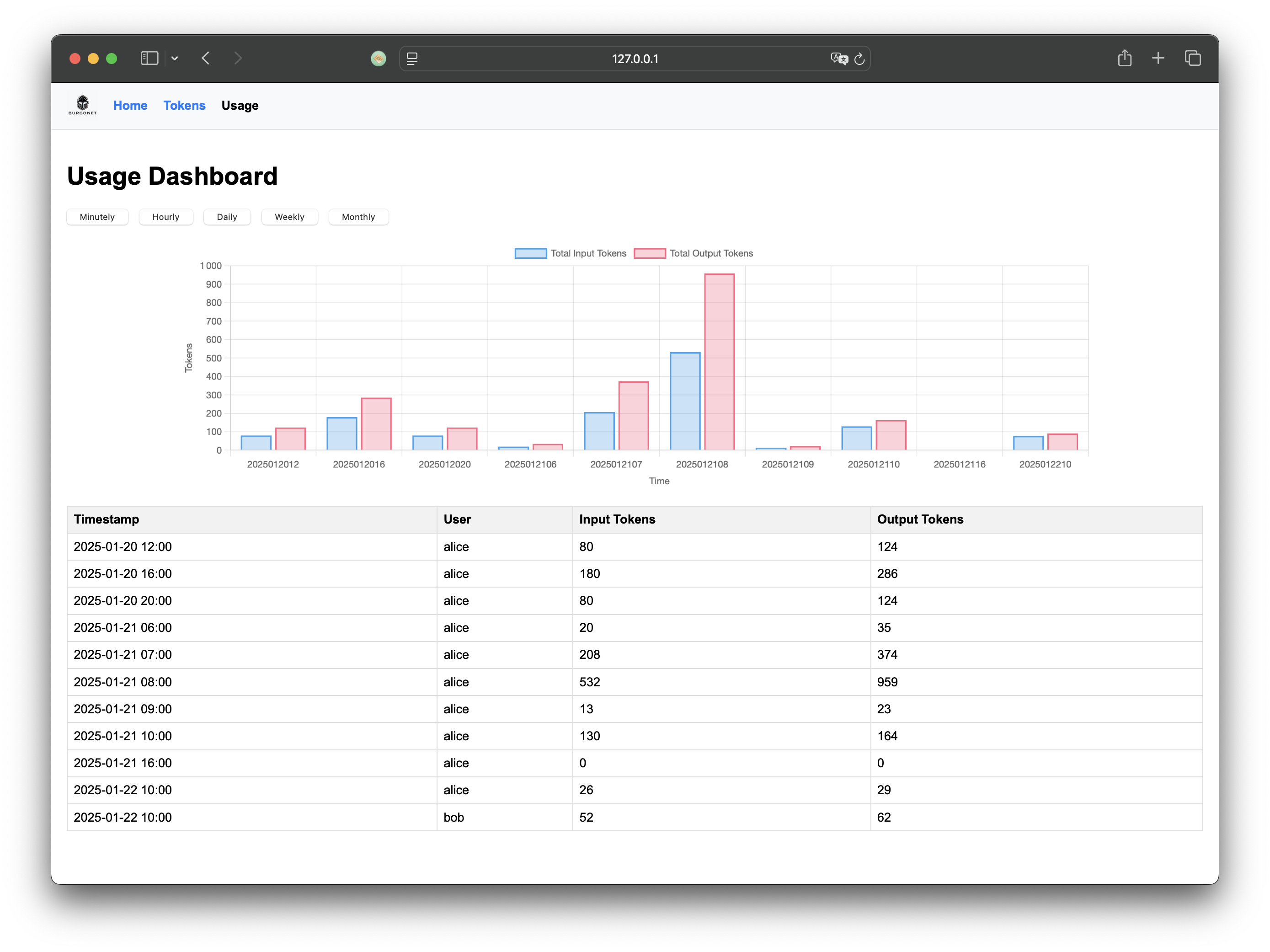
Once the gateway is running, you can access the administration web UI at: http://127.0.0.1:6189/
When you have created your token, you can test it via the convenience chat web app embedded, open the following URL in your browser:
http://127.0.0.1:6190/ configure the the server url (default port is 6191) and your token:
